

Description
Download Jihosoft WhatsMate – Secure WhatsApp Backup, Recovery & Transfer Tool for Windows, Mac, Android & iOS
Jihosoft WhatsMate is a powerful, all-in-one WhatsApp management tool designed for users who want full control over their chat history and media files. Whether you're switching devices, recovering lost messages, or backing up important conversations, WhatsMate delivers a seamless experience across Windows, Mac, Android, and iOS platforms. This intuitive software simplifies the process of backing up WhatsApp data to your computer, restoring it on a new device, or transferring chats between phones. With support for both Android and iOS, WhatsMate ensures that your WhatsApp data remains safe and accessible, even if you’ve accidentally deleted messages or lost your phone. Its secure, no-root, and no-jailbreak technology makes it ideal for users who value privacy and data integrity. With features like selective backup, instant recovery, and encrypted storage, WhatsMate stands out as one of the most reliable WhatsApp management tools available today.
Key Features of Jihosoft WhatsMate
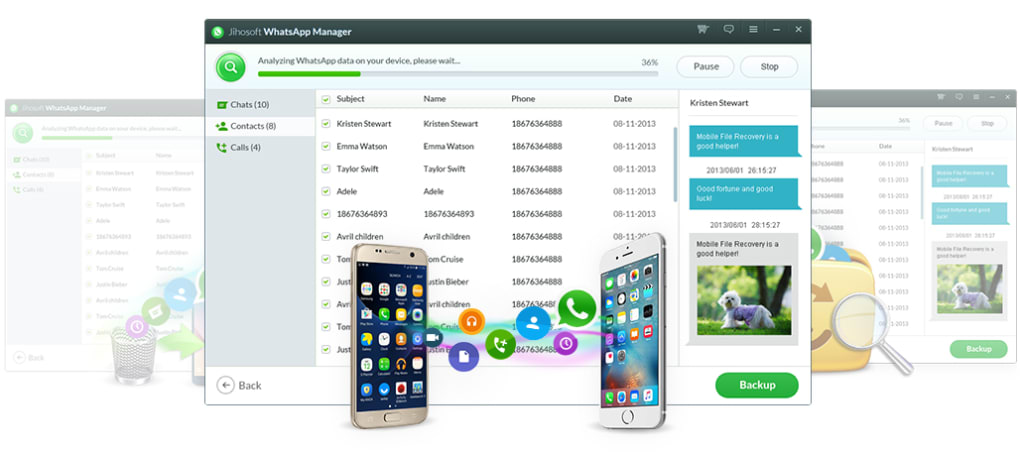
What sets Jihosoft WhatsMate apart from other WhatsApp management tools is its comprehensive feature set, built with user convenience and data security in mind. First and foremost, the software enables complete WhatsApp backup to your computer, preserving not just text messages but also images, videos, audio files, documents, and even links. This ensures that your entire chat history remains intact, regardless of device changes or accidental deletions. The backup process is fast and requires no rooting (Android) or jailbreaking (iOS), making it safe and compatible with all modern devices.
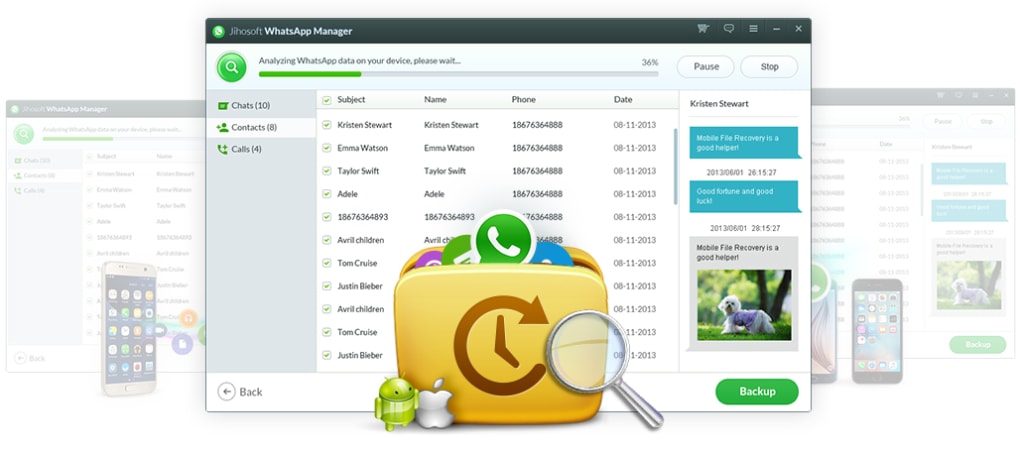
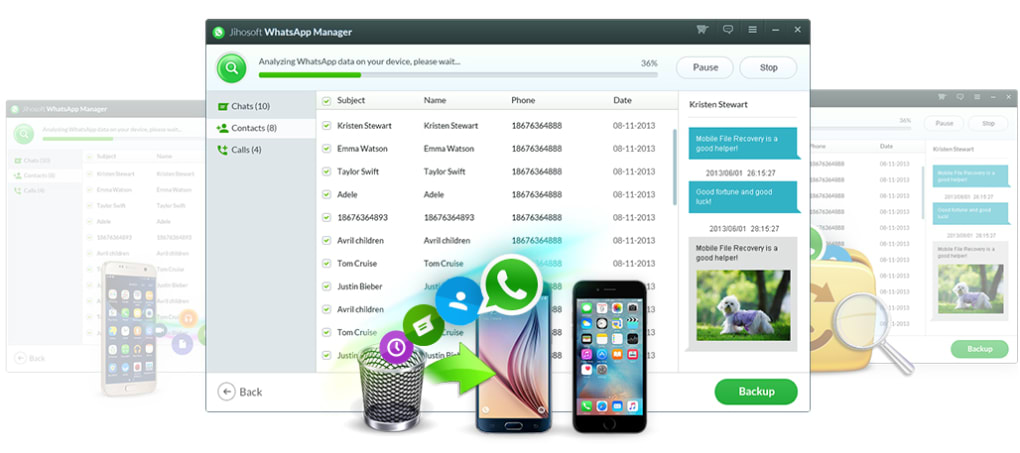
Another standout feature is selective backup and restore. Instead of backing up every conversation, you can choose specific chats or media types to preserve, saving space and simplifying the recovery process. For users switching phones, WhatsApp transfer between devices is a game-changer. You can move your entire chat history from an old Android to a new iPhone, or vice versa, without losing a single message or photo. The data recovery function is especially useful—WhatsMate can retrieve deleted WhatsApp messages, even when no backup exists. This is possible through deep scanning of device storage, which detects remnants of deleted files and reconstructs them.
Additionally, the app supports encrypted backup storage, so your personal data stays protected. You can set a password to lock your backups, ensuring that only you can access sensitive conversations. The user interface is clean and intuitive, making it easy for beginners to navigate. With regular software updates, Jihosoft ensures that WhatsMate remains compatible with the latest WhatsApp versions and operating systems. Whether you're a casual user or someone managing critical business communications, WhatsMate offers a robust, reliable solution for all your WhatsApp data needs.
How to Install and Use Jihosoft WhatsMate
Getting started with Jihosoft WhatsMate is straightforward, even for users with minimal technical experience. First, download the software from the official Jihosoft website. The app is available for both Windows and Mac, so you can choose the version that matches your computer’s operating system. Once downloaded, run the installer and follow the on-screen prompts to complete the setup. The installation process is quick and does not require any complex configurations.
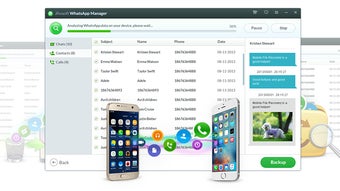
After installation, launch the app and connect your smartphone to your computer via USB cable. For Android devices, ensure USB debugging is enabled in Developer Options. For iOS, you’ll need to trust the computer when prompted. Once connected, WhatsMate will automatically detect your device and display your WhatsApp data. You can now begin the backup process by selecting “Backup WhatsApp” and choosing whether to back up all chats or specific conversations.
To restore data, simply select “Restore WhatsApp” and choose the backup file from your computer. The app will guide you through the restoration process, which includes overwriting existing data on your device. For transferring chats between devices, use the “Transfer” function, which allows you to move messages from one phone to another seamlessly. The software also includes a preview feature, so you can view messages and media before restoring or transferring. All operations are logged, and you can schedule automatic backups for added convenience. With its step-by-step interface and real-time progress tracking, WhatsMate ensures a smooth, stress-free experience every time.
Compatibility & System Requirements
Jihosoft WhatsMate is designed to work across multiple platforms, making it a versatile tool for users of different devices. The software is fully compatible with Windows 7 and later (including Windows 10 and Windows 11), as well as macOS 10.12 and above. This ensures that whether you’re using a modern laptop or an older desktop, you can still access WhatsMate’s powerful features. For mobile devices, the app supports Android 5.0 and later and iOS 10.0 and above, covering nearly all current smartphones in use today.
One of the biggest advantages of WhatsMate is that it works without requiring root access on Android or jailbreak on iOS. This means your device remains secure and your warranty is not voided. The software uses official APIs and deep file system scanning to access WhatsApp data, ensuring compatibility and safety. For optimal performance, it’s recommended to use a high-speed USB cable and ensure your computer has at least 2 GB of free RAM and 500 MB of available disk space.
Additionally, the app supports both Wi-Fi and USB connection methods, giving users flexibility in how they transfer data. While USB is more reliable for large backups, Wi-Fi is convenient for quick transfers. The software also handles large files efficiently, with built-in compression and error-checking mechanisms to prevent data corruption. With regular updates from Jihosoft, WhatsMate stays ahead of WhatsApp’s evolving security protocols and device-specific changes, ensuring long-term usability and reliability.
Pros and Cons of Jihosoft WhatsMate
- Pros:
- Complete backup and recovery of WhatsApp chats, media, and links
- Supports both Android and iOS devices without rooting or jailbreaking
- Selective backup and restore for better data management
- Secure encrypted backups with password protection
- Easy-to-use interface suitable for beginners
- Fast transfer between different devices (Android to iPhone and vice versa)
- Can recover deleted messages even without prior backup
- Regular software updates ensure compatibility with new WhatsApp versions
- Cons:
- Free version has limited features; full functionality requires a paid license
- Some users report slower performance with very large chat histories
- Requires USB connection for initial setup (Wi-Fi transfer available but less reliable)
- Occasional compatibility issues with newer iOS versions (resolved via updates)
- Customer support response time can be inconsistent
Frequently Asked Questions (FAQ)
How do I download Jihosoft WhatsMate?
Visit the official Jihosoft website and click on the “Download” button. Choose the version for your operating system—Windows or Mac—and run the installer. The download is free and secure.
Can I recover deleted WhatsApp messages with WhatsMate?
Yes, Jihosoft WhatsMate can recover deleted WhatsApp messages even if no backup exists. It scans your device’s storage for remnants of deleted data and reconstructs them, provided they haven’t been overwritten.
Is WhatsMate safe to use on my phone?
Yes, WhatsMate is safe and does not require rooting (Android) or jailbreaking (iOS). It uses official data access methods and encrypts backups to protect your privacy.
Can I transfer WhatsApp data from Android to iPhone?
Yes, one of the standout features of WhatsMate is its ability to transfer WhatsApp data between different platforms. You can move your entire chat history from an Android phone to an iPhone or vice versa.
Does WhatsMate support automatic backups?
While the free version requires manual backups, the premium version offers scheduled automatic backups, ensuring your data is always up to date.
Conclusion: Why You Should Download Jihosoft WhatsMate Today
If you rely on WhatsApp for personal or professional communication, losing your chat history can be devastating. Jihosoft WhatsMate provides a secure, efficient, and user-friendly solution to back up, restore, and transfer your WhatsApp data across devices. With its powerful recovery engine, selective backup options, and cross-platform compatibility, it’s one of the most trusted tools in its category.
Whether you're upgrading your phone, recovering lost messages, or simply wanting peace of mind, WhatsMate delivers real value. The software is easy to install, intuitive to use, and regularly updated to maintain compatibility. While the free version offers basic functionality, the paid upgrade unlocks advanced features like automatic backups and enhanced security.
Don’t risk losing important conversations. Download Jihosoft WhatsMate today and take full control of your WhatsApp data—secure, reliable, and hassle-free.
Guides & Tutorials for Jihosoft WhatsMate
How to install Jihosoft WhatsMate
- Click the Preview / Download button above.
- Once redirected, accept the terms and click Install.
- Wait for the Jihosoft WhatsMate download to finish on your device.
How to use Jihosoft WhatsMate
This software is primarily used for its core features described above. Open the app after installation to explore its capabilities.
User Reviews for Jihosoft WhatsMate 0
No reviews found





